Contractor Operations Software Comparison

Spreadsheets, email, and phone calls, or one place for the whole job?

Most installation companies are not choosing between two products. They are comparing how they work today with what one execution system changes.

Three ways installation work gets run

The first is a spreadsheet of dates, agreements in email, and phone calls to customers. The second is photos in an installer gallery and folders on a cloud drive. The third is one system where a job has stages, records, and sign-off. Here is what differs day to day.

Crew schedule

In a spreadsheet the plan lives with one person and breaks after the first call from site. In a system you see crew workload and free slots without asking around.

Photos from site

An installer phone gallery and a shared drive folder are two separate archives. Here a photo belongs to a stage and stays with the project.

What was agreed with the customer

Email, texts, and a conversation on site do not add up to a record. Stage status and customer approval are stored on the project.

Sign-off and handover

A paper protocol has to be driven back, scanned, and later found again. A stage protocol is created on site and is already in the records.

Access to job knowledge

When one person owns the spreadsheet, their week off stops answers to customers. In a system data is available to the team by role.

Adding the next crew

A new crew in a spreadsheet means a new tab and a new chat group. In a system it joins the same way of working.
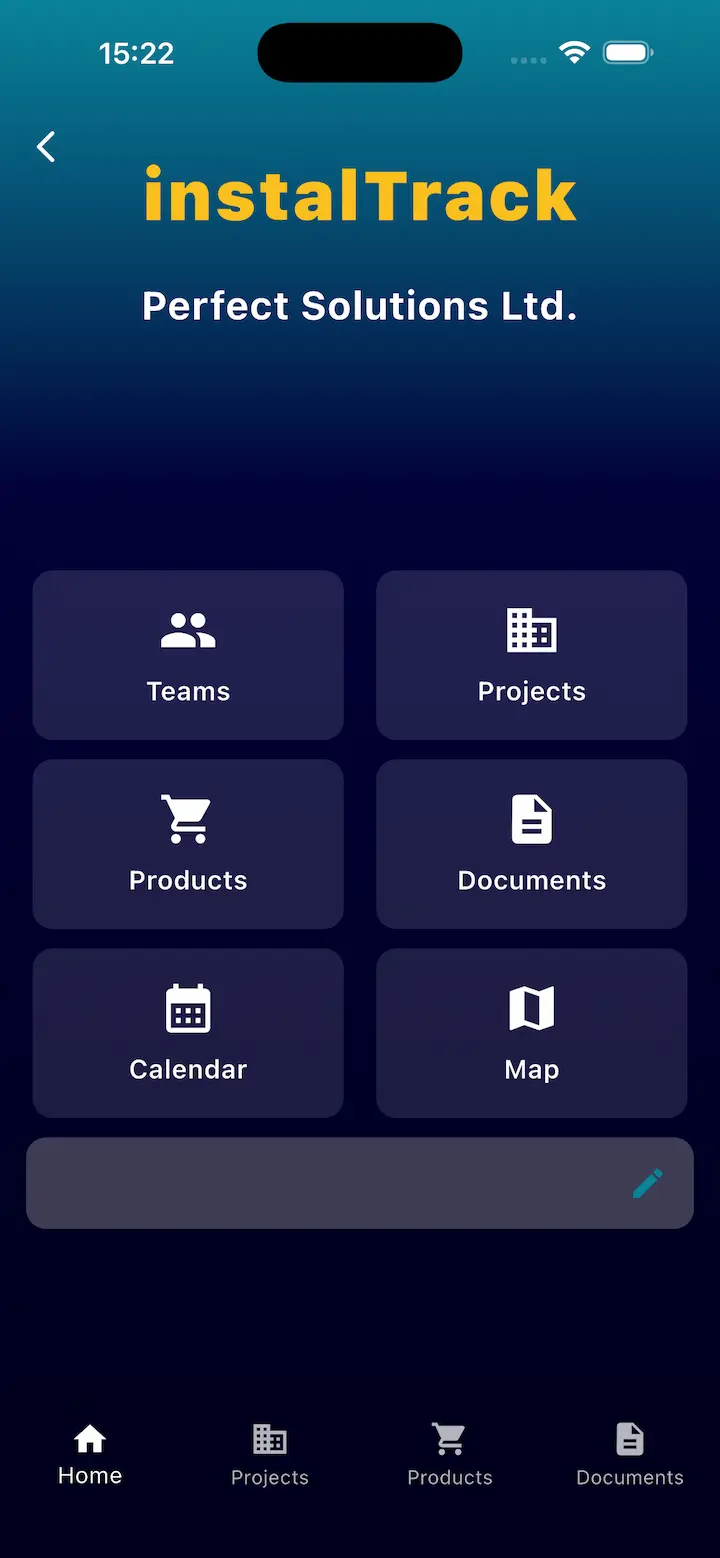
InstalTrack iOS app with personalized company settings
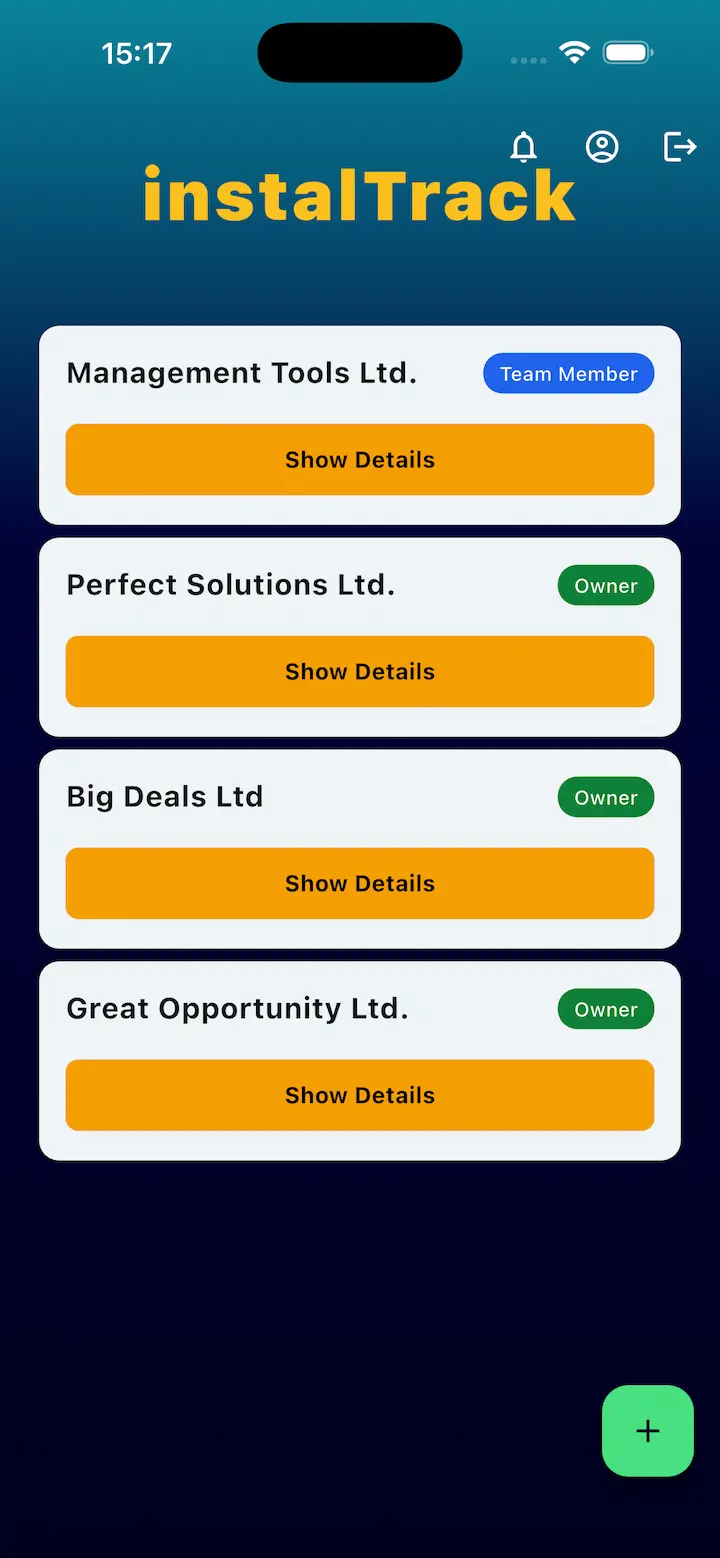
InstalTrack iOS app with an unlimited companies list
InstalTrack mobile app for remote role assignment

What to compare before you decide

  • Whether the tool understands a delivery stage, not just a task with a date.
  • Whether site photos and notes land on the stage instead of a separate gallery.
  • Whether protocols and customer approvals are part of the process, not an extra file to send.
  • Whether crews can record progress with weak signal and sync later.
  • Whether you can reconstruct a job a year later without calling the people who were there.
  • Whether adding another crew means another spreadsheet and another chat group.

Software comparison FAQ

Is a spreadsheet enough for a small installation company?

With one crew and a few jobs, usually yes. It breaks down when you need to reconstruct who was on site, what was done, and whether the customer confirmed it.

How is contractor software different from a general task tool?

A general tool understands a task and a due date. Contractor software understands installation stages, proof of work, and customer handover, so you do not have to model that process yourself.

Do we have to migrate every project at once?

No. Most companies start with new jobs and finish ongoing ones the old way.

Will field crews actually use it?

An installer sees their own stage, a place for photos, and notes. They are not filling in the whole company spreadsheet.

What about documentation already on our cloud drive?

The drive can stay as an archive of past jobs. New records are created on the stage, so nobody has to search folder names.

Related pages

Compare both ways of working on a real job.