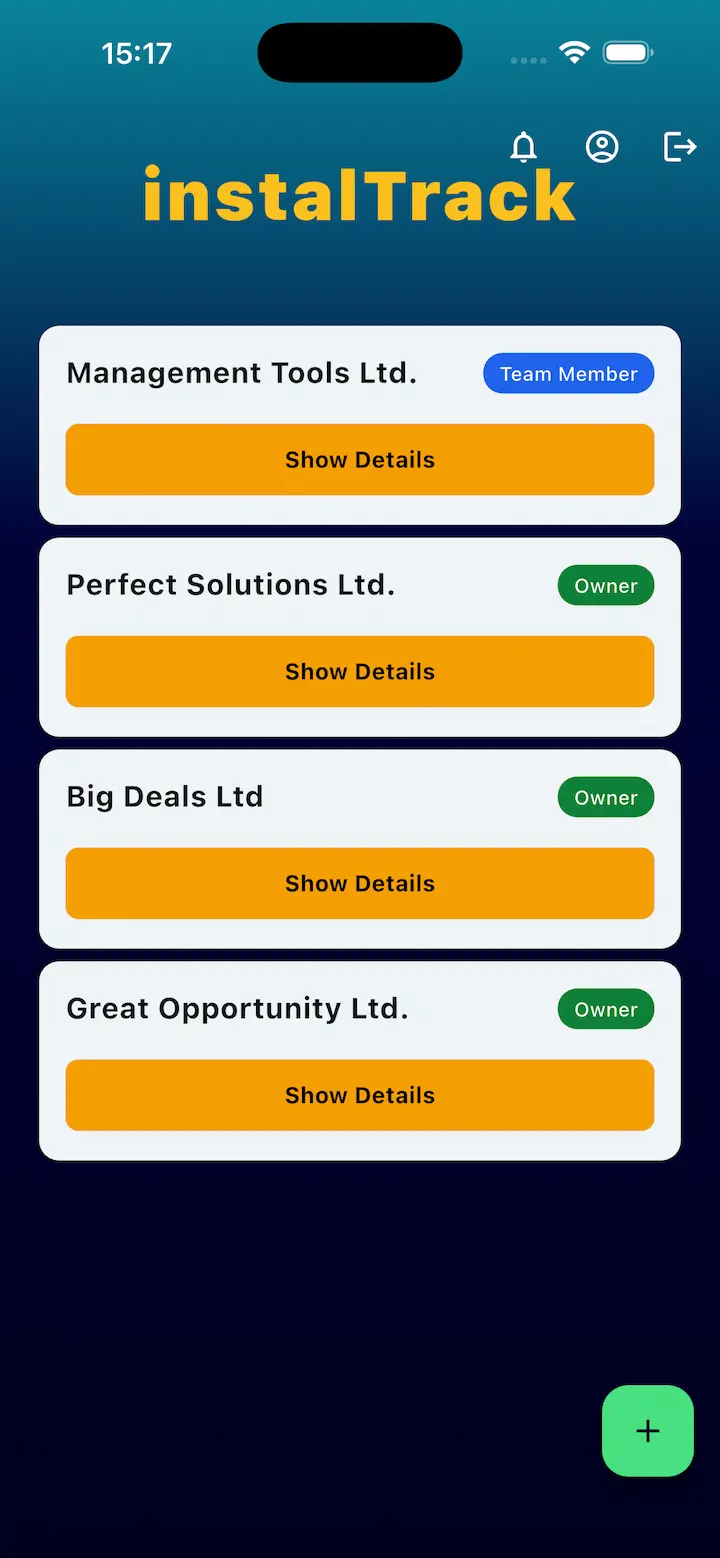
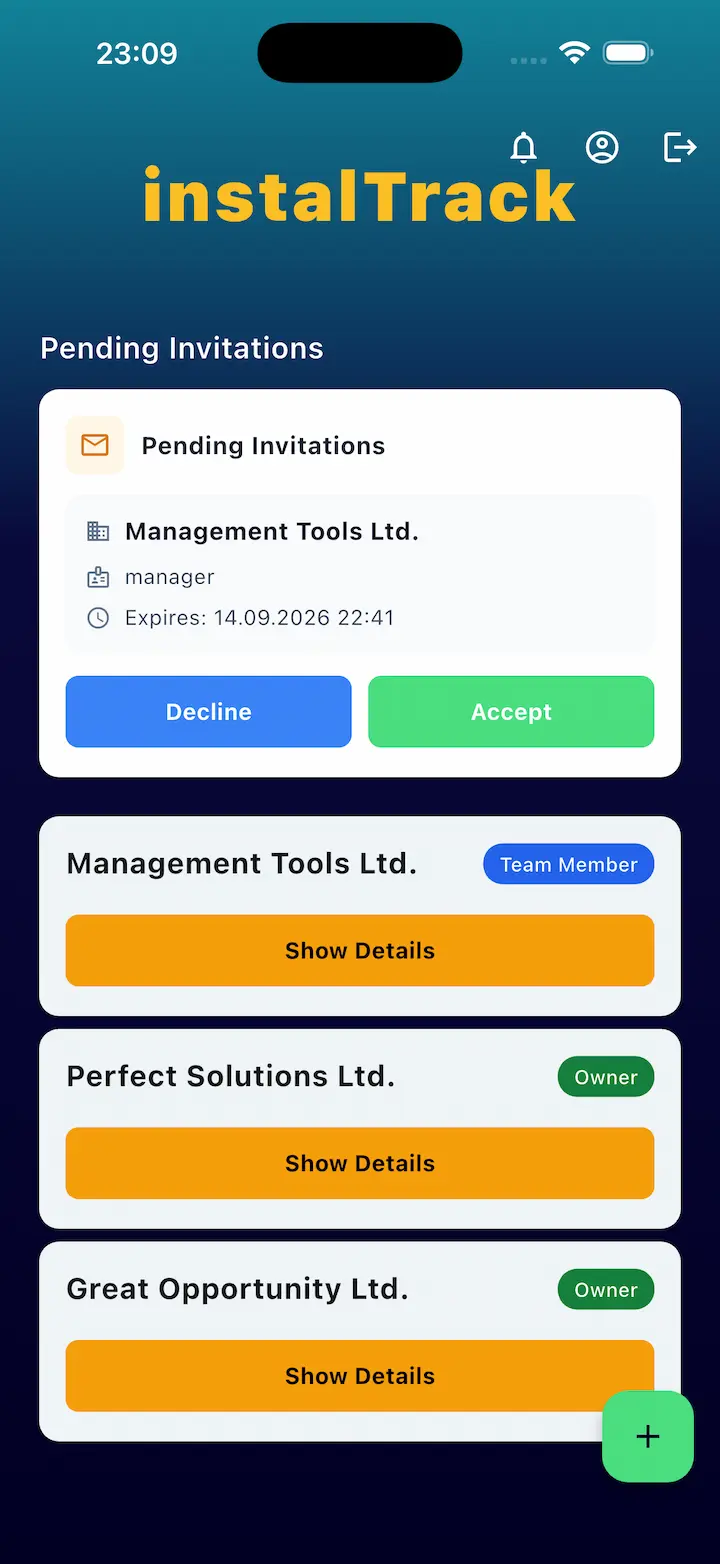
Contractor App

Give crews a faster way to execute, report, and stay aligned with office operations.

InstalTrack connects contractor crews, managers, and customers in one mobile-first project workflow.

A contractor app built for real field work

Capture updates on-site, keep everyone aligned, and move projects forward without communication gaps.


On-site status updates

Update stage progress directly from the field without extra admin work.

Photo and note capture

Attach photos and comments to each stage as proof of execution.

Office-field alignment

Managers and crews work from the same up-to-date project context.

Faster issue response

Surface blockers earlier and keep project timelines on track.

Customer visibility

Share progress and approvals without manual back-and-forth.

Mobile workflow consistency

Standardize field execution across crews and project types.
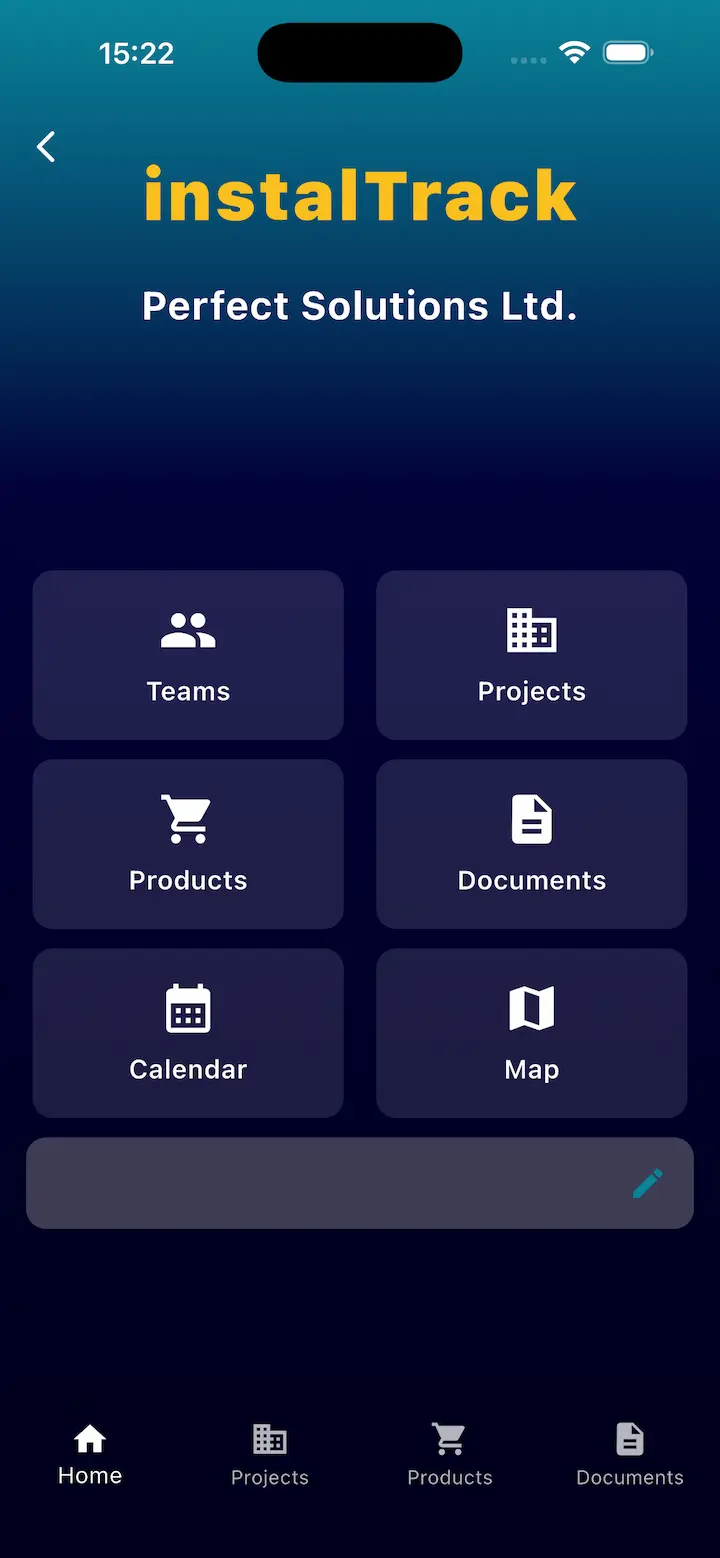
How the contractor app supports execution

  • Crews receive assigned project stages and tasks.
  • Field teams update progress and attach documentation in real time.
  • Managers monitor timelines and adjust assignments when needed.
  • Customers receive transparent updates and approval requests.
  • Projects close with complete digital records for each completed stage.

Contractor app FAQ

What is a contractor app?

A contractor app helps field teams update work progress, document execution, and stay connected with office operations.

Can crews use the contractor app across multiple jobs?

Yes. InstalTrack supports crews working across multiple active projects and stages.

Does the contractor app support field documentation?

Yes. Teams can add photos, comments, and completion details per stage.

Is this contractor app useful for managers too?

Yes. Managers gain real-time visibility and can coordinate teams based on current status.

Can customers approve stages remotely?

Yes. InstalTrack supports customer transparency and remote approvals.

Related pages for contractor teams

Equip your crews with a contractor app built for real field execution.