Replace Spreadsheets and Paper on Site

One project instead of a spreadsheet, a phone gallery, and a folder of protocols.

Installation companies rarely drop the spreadsheet because it is bad. They drop it when the spreadsheet, the chat, and the phone photos stop agreeing with each other.

What one system replaces

In most companies a job lives in five places at once: dates in a spreadsheet, agreements in email, photos in an installer gallery, protocols on paper, and status delivered by phone. Each place holds only part of the truth.

Instead of a date spreadsheet

Stages carry status and assigned crews. When an install moves, nobody has to remember what else needs fixing in the table.

Instead of a phone gallery

A photo taken on site lands on the stage. It is not mixed with personal pictures and does not vanish with a new phone.

Instead of cloud drive folders

Records sit on the job, not in a folder named after a customer and a date. Nobody has to guess the naming convention.

Instead of paper protocols

A stage protocol is created on site and is already on the project. No driving it to the office and no scanning.

Instead of agreements in email

Notes and approvals sit on the stage they concern. No searching a mailbox for who agreed to a scope change and when.

Instead of status phone calls

Customers can see stage progress once the company shares it. Crews do not explain the same thing three times a day.
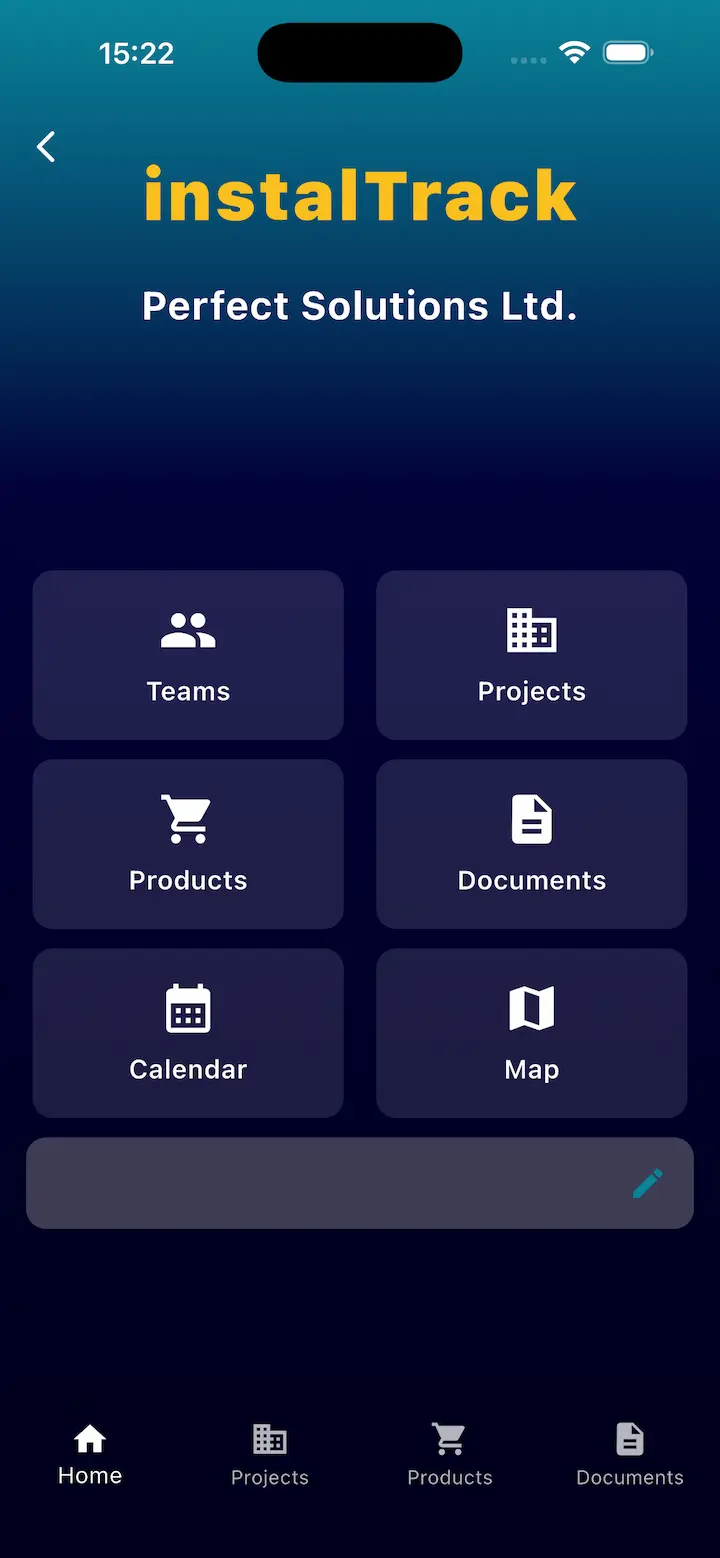
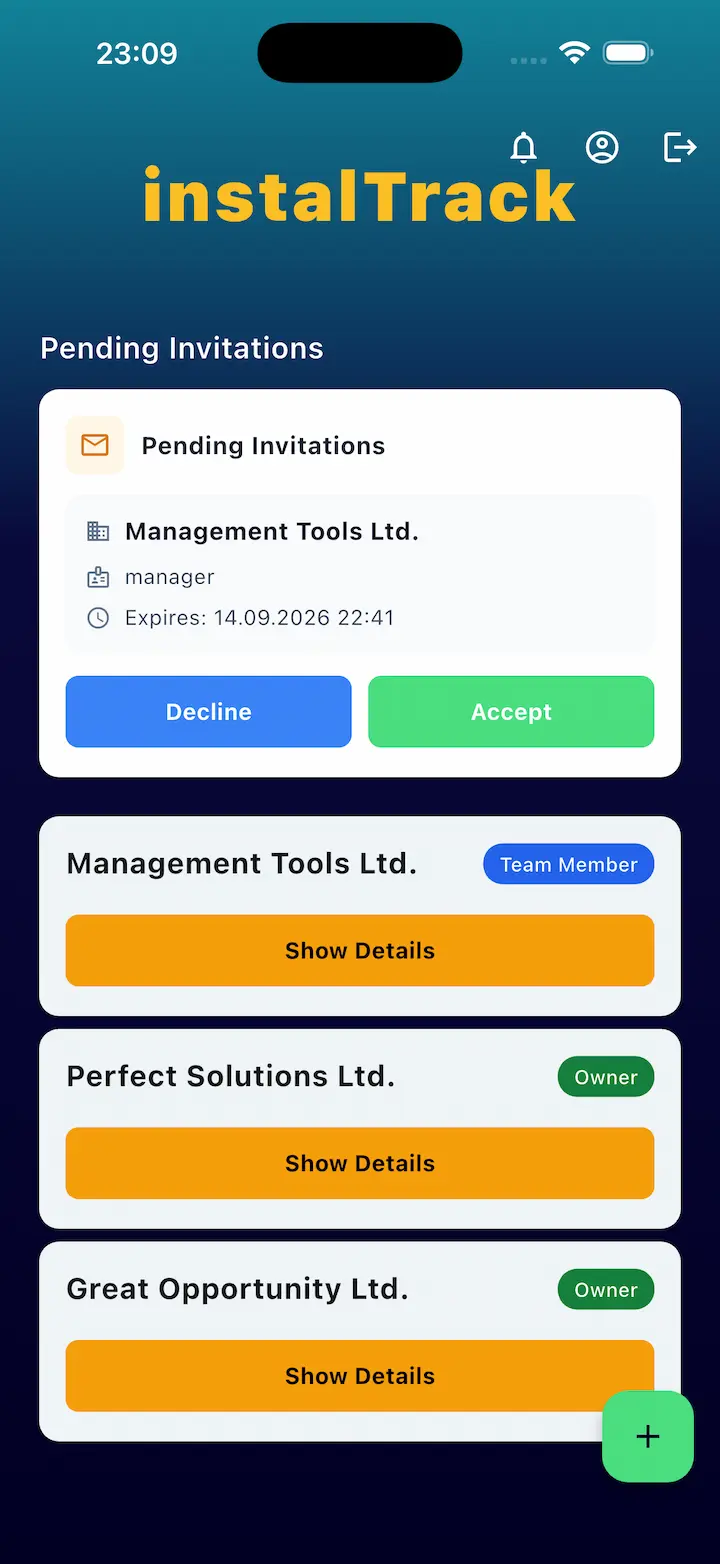
InstalTrack iOS app with personalized company settings
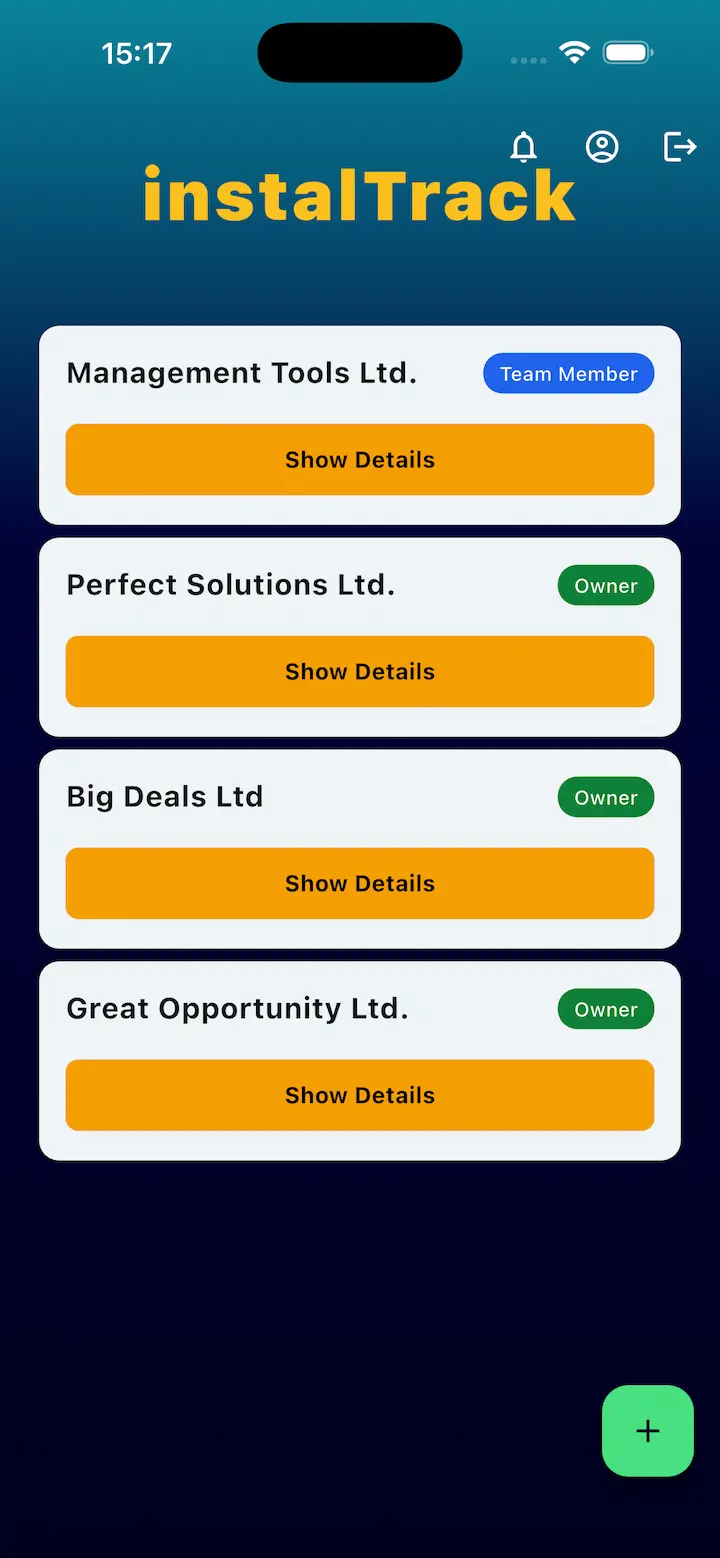
InstalTrack iOS app with an unlimited companies list
InstalTrack mobile app for remote role assignment

How the switch works

  • Take one new job and map its stages the way you do it in the spreadsheet today.
  • Assign the crew to stages and dates.
  • Ask the installer to add photos and notes in the app instead of the gallery.
  • Close the stage with a protocol on site rather than filling paper in the van.
  • Share stage status with the customer and collect confirmation.
  • After handover, compare how much you had to ask people for.

Questions about moving off spreadsheets

Do we have to drop spreadsheets immediately?

No. Most companies run one new job in the system and finish the rest the old way, then move further projects over.

What about photos and documents from past years?

They stay where they are. The drive can serve as an archive while new records are created on stages.

Our installer does not want another app. Now what?

The installer only gets their stage, a place for photos, and notes. It is usually less typing than reporting the day in a chat.

Does the customer need an account to follow progress?

The company decides what is shared. The point is that status comes from the system instead of a call to the installer.

How many jobs do we need to move for this to make sense?

One is enough to judge. The difference shows at handover, when all stage documentation is already in one place.

Related pages

Run one job without the spreadsheet and see the difference.